

Releases
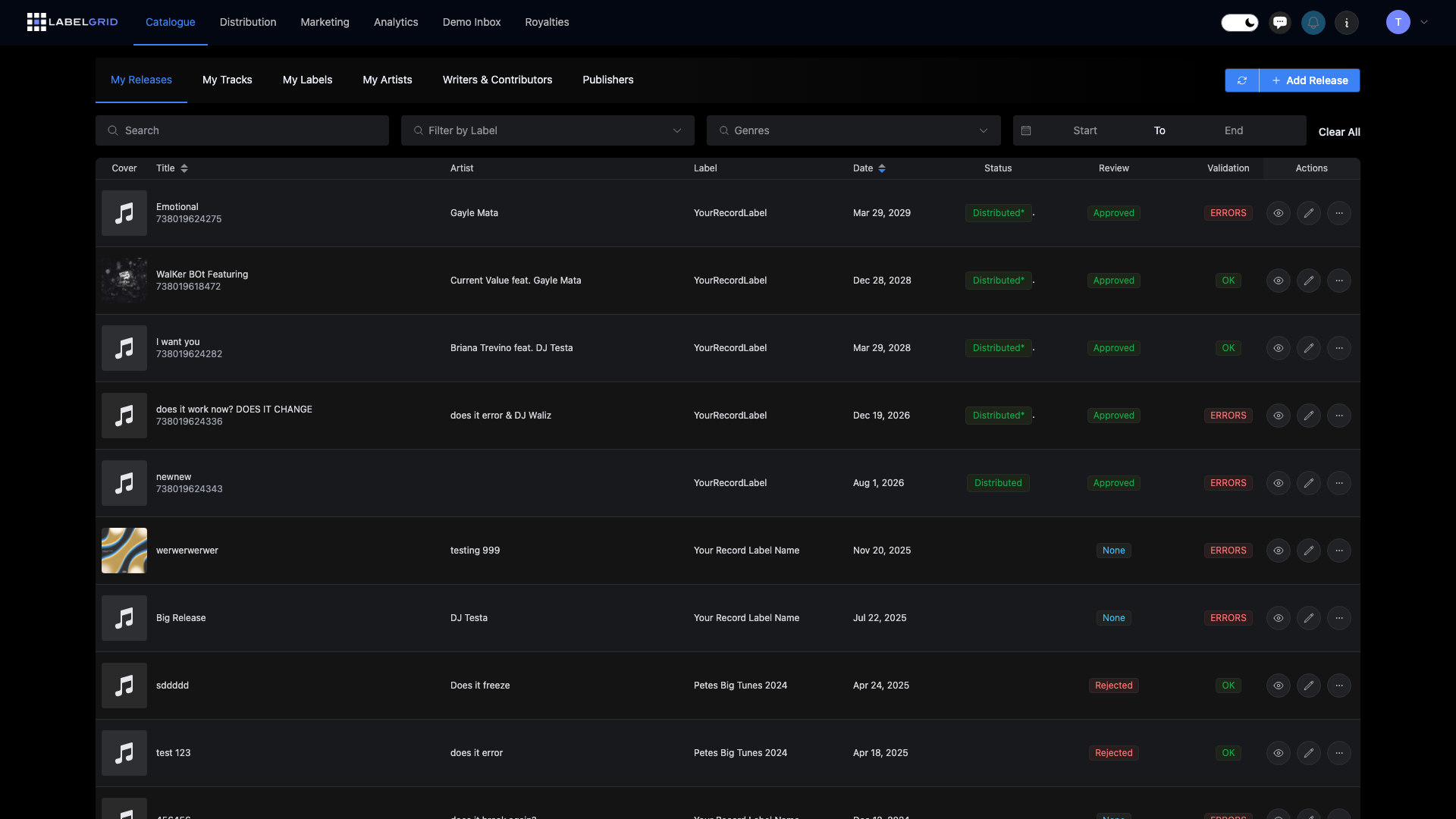
A release is a package of one or more tracks that you distribute to streaming platforms and stores. This section covers everything you need to know about creating and managing releases in LabelGrid.
Types of releases
Section titled “Types of releases”| Type | Tracks | Typical use |
|---|---|---|
| Single | 1-3 tracks | Promoting a new song |
| EP | 4-6 tracks | Mini-album or collection |
| Album | 7+ tracks | Full-length release |
Creating a release
Section titled “Creating a release”The release creation process involves several steps:
- Basic information - Title, artists, label, release date
- Artwork - Cover image for your release
- Tracks - Upload and configure your audio files
- Contributors - Add writers, producers, and credits
- Distribution - Select outlets and territories
- Review - Validate and submit
Release guides
Section titled “Release guides”Getting started
Section titled “Getting started”- Creating a Release - Step-by-step guide
- Adding Tracks - Upload and configure tracks
- Validation and Review - Submit for distribution
- Lyrics & Credits - Display credits on platforms
Advanced options
Section titled “Advanced options”- Advanced Date Settings - Territory dates and pre-orders
- Multilanguage Metadata - Add translations for international distribution
- Waterfall Releases - Release singles that build into an album
- Store Links - Get links after your release goes live
Before you start
Section titled “Before you start”Make sure you have:
- Audio files ready (WAV format, 16-bit or higher)
- Artwork prepared (3000x3000 pixels, JPG or PNG)
- Artist profiles created
- Label set up
- Writer/contributor information
Need help?
Section titled “Need help?”Questions about releases? Contact our support team.
Not using LabelGrid yet?
Everything you just read about is available on our platform.
See what LabelGrid can do →